Signal Averager
Common Use Cases

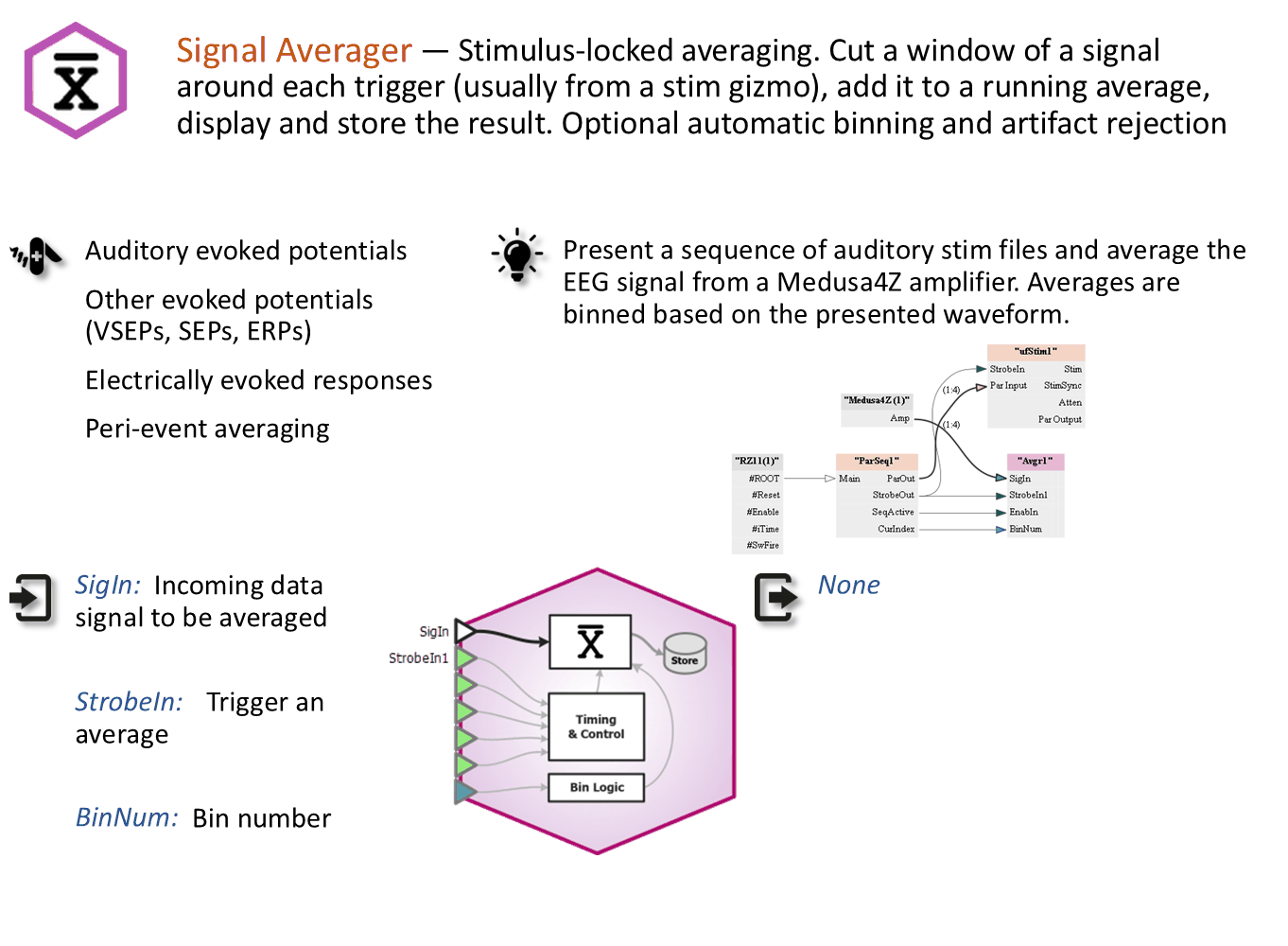
Compute an averaged waveform over a specified window. Control how many waveforms to average. Optionally bin the averages based on a stimulus marker. Built-in artifact rejection and DC blocking.
Gizmo Help Slides
Reference
The Runtime Interface
Runtime Plot
Waveform and epoch plots, if enabled in Stores and Plotting Tab, are added to the runtime window for visualization when enabled in the gizmo options. See Flow Plot for more information on using and customizing these plots.
Signal Averager Plot
The Signal Averager has a run-time interface that shows the current average and optionally the history of raw or averaged waveforms. You can optionally set upper and lower thresholds for artifact rejection.
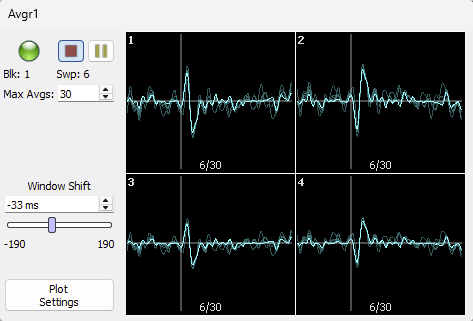 |
| Four channels |
Shift + left-click-drag or middle mouse wheel to adjust the global Y scale. Ctrl + left-click-drag to adjust the X axis offset. Right-click on the plot to reset the shift back to zero.
If binning is enabled, the plots are organized by channel and bin number.
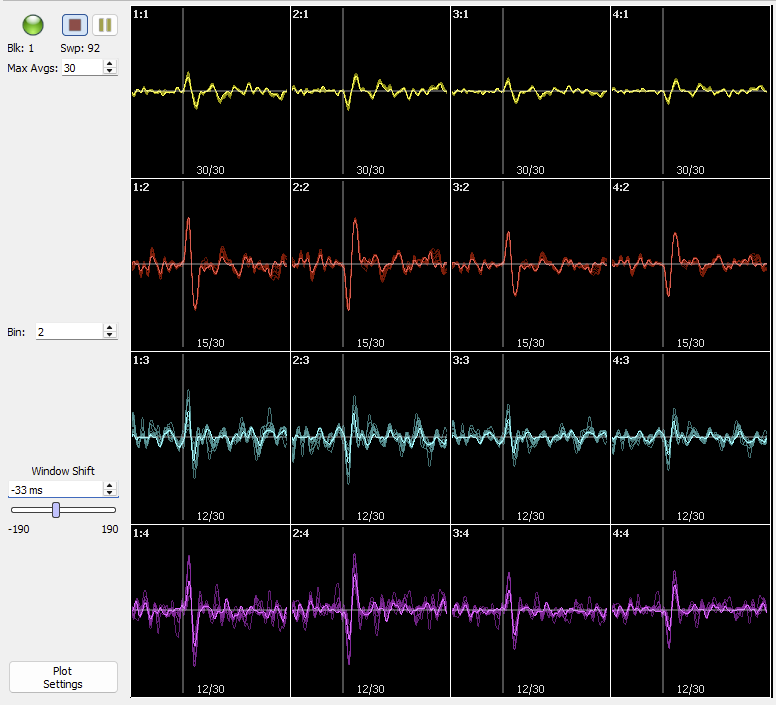 |
| Four channels with four bins |
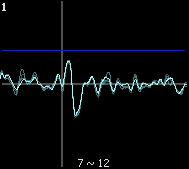
The number of captured waveforms is shown at the bottom of each plot. If artifact rejection is enabled, the number of rejected waveforms is shown after the '~'. The image below has 7 good waves and 12 rejected waves on channel 1.
 |
| Artifacts rejected |
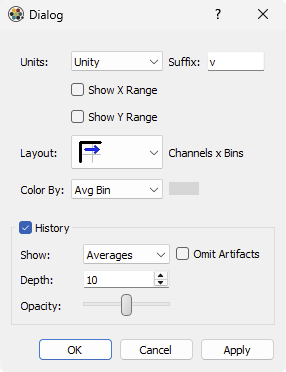
Open the plot settings to configure the axes, coloring, and history.
 |
| Averager plot settings |
Important
Averager runtime changes modify the experiment setup. Any changes you make to the plot configuration at runtime are available at designtime and vice versa.
Signal Averager Configuration Options
General Tab
 |
| General Tab |
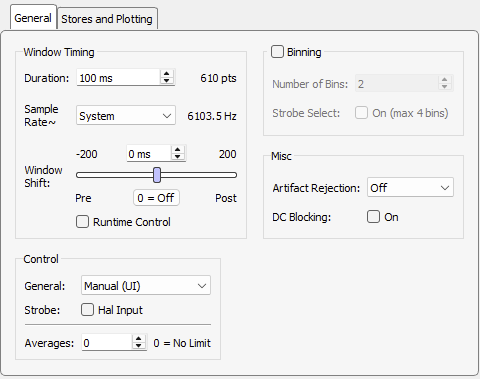
Select the window Duration for each sweep, and the Sample Rate. Specify a Window Shift; the time difference between the onset of the averaging trigger and the start of the waveform. You can optionally set this at Runtime as well.
Control
The Control settings determine what will start/stop blocks and what will trigger waveform capture and inclusion in the current averaged waveform. Control is either Manual (through play / pause / resume buttons on the user interface), Program (through the SynapseAPI), or Gizmo Input if another gizmo will be controlling the timing. For example, if you are using the Parameter Sequencer gizmo to drive a set of stimuli.
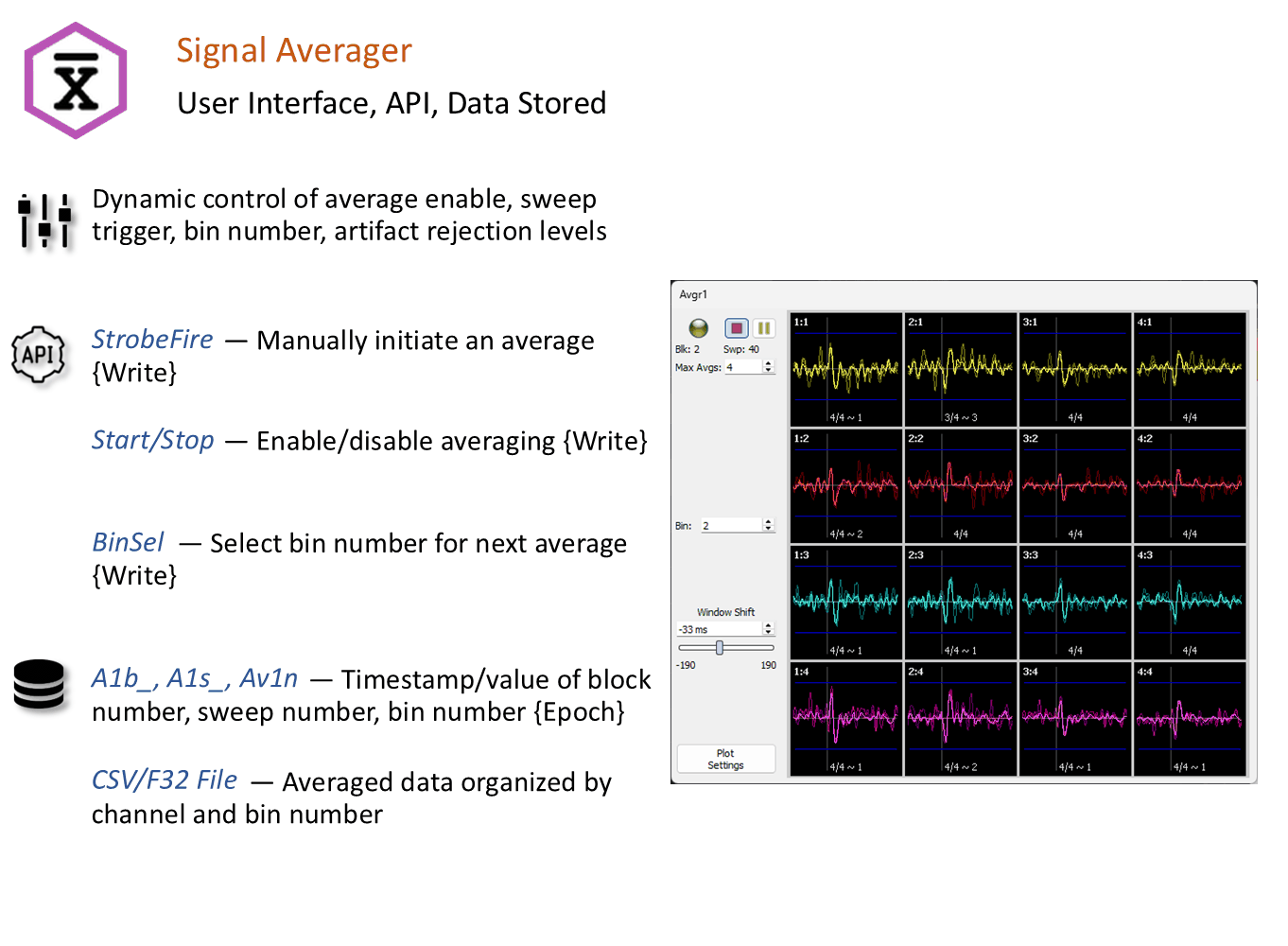
The Averages limit is only used for Manual operation. The Gizmo Input 'EnabIn' input is used to start and stop an average block. For API control, use the 'Start' and 'Stop' parameters to define each average block, like this:
syn = SynapseAPI()
syn.setParameterValue('Avgr1', 'Start', 1)
for i = 1:5
    syn.setParameterValue('Avgr1', 'StrobeFire', 1)
    pause(0.2)
end
syn.setParameterValue('Avgr1', 'Stop', 1)
Binning
If Control is set to Gizmo Input and Binning is enabled, then an alternate gizmo input is enabled that controls the bin number, so you can route each waveform to the correct binned average, all automatically. This would typically be done with a Parameter Sequencer gizmo.
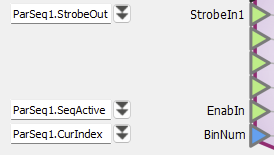
If Binning Strobe Select is enabled, you can have up to 4 bins that are triggered from individual logic gizmo inputs instead of a trigger and integer input for the bin number.
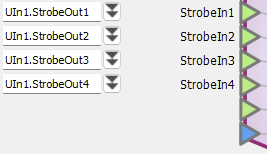
Here is the Binning behavior in the different Control modes:
Misc
Enable Artifact Rejection either globally or locally per channel to exclude obvious artifacts from the averaged waveform. During run-time, set upper and lower thresholds that the raw waveform must not exceed in order to be included.
Enable DC Blocking to remove the DC part of the averaged waveform.
Stores and Plotting Tab
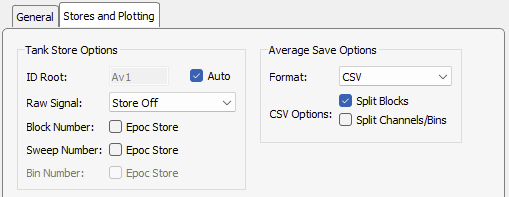 |
| Stores and Plotting Tab |
These settings allow you to plot the raw signals in the Flow Plot, capture the timestamp and
block, sweep, and/or bin number on each sweep, and choose the format for saving the average.
The CSV files include metadata (ChanNum, BinNum, AvgCount) within the rows. The F32 files
contain the raw binary average data and are named with the block, channel, and bin number, such
as Results_B1_C2_N4. The averages are stored in a folder inside the recording block folder
with the gizmo name.