I/O Delays in Synapse
There are two types of delays Synapse users should be aware of: gizmo delays and fixed sample delays associated with the I/O of their hardware devices. When synchronized processing is required, Synapse users can synchronize outputs or inputs using User Gizmos and delay components provided in RPvdsEx. See Creating User Gizmos in the Synapse Manual and Delay Functions in the Component Reference section of the RPvdsEx Manual for more information.
* See Device Delays for hardware specific delays.
Gizmo Delays
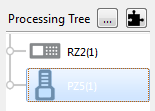
Each branch in the Synapse Processing Tree represents a signal flow or processing path. Each link in a branch adds exactly two samples of delay to that path. The path pictured below, from the PZ5 to the Binner, will have a four sample delay. You'll need to be aware of these small delays for experiments with complex processing paths that include many gizmos, custom user gizmos, or where timing is critical.
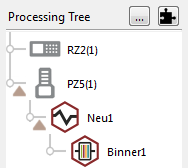
2 + 2 = 4 sample gizmo delays
Hardware Delays
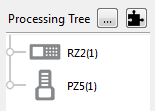
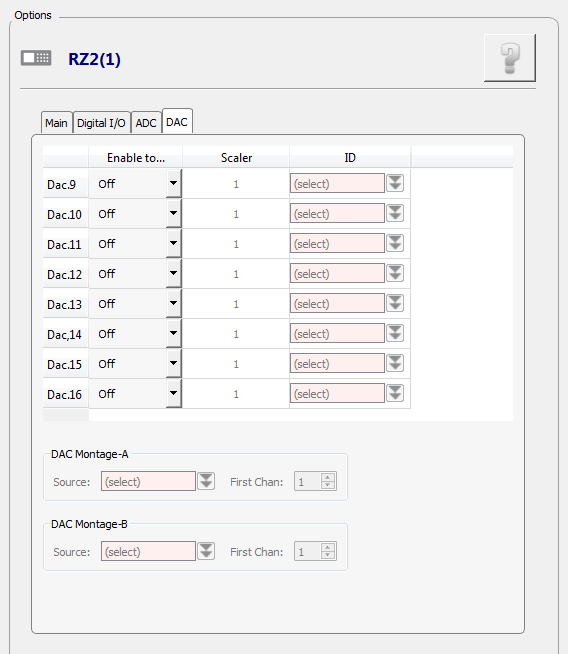
In Synapse, I/O for your processor is configured in the hardware HAL. These settings are displayed and arranged on Tabs in the Options area when the device is selected in the Processing Tree.
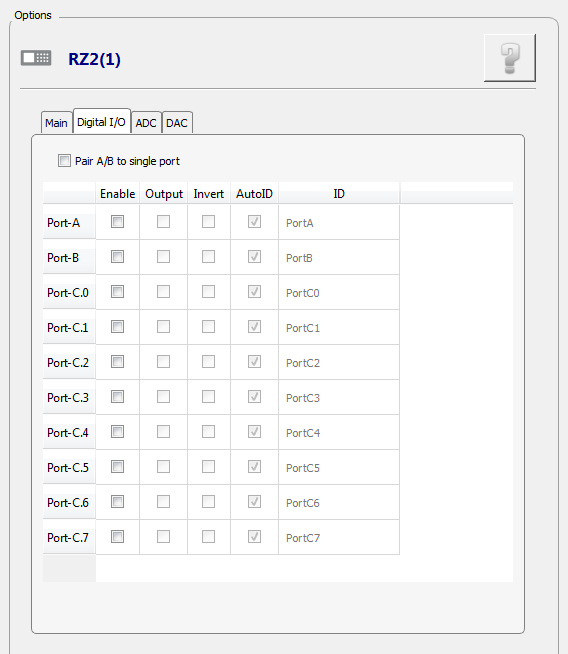
Digital I/O
Digital I/O for the processor is configured on the Digital I/O tab. Digital inputs add 2 samples of delay and digital outputs add 3 samples.
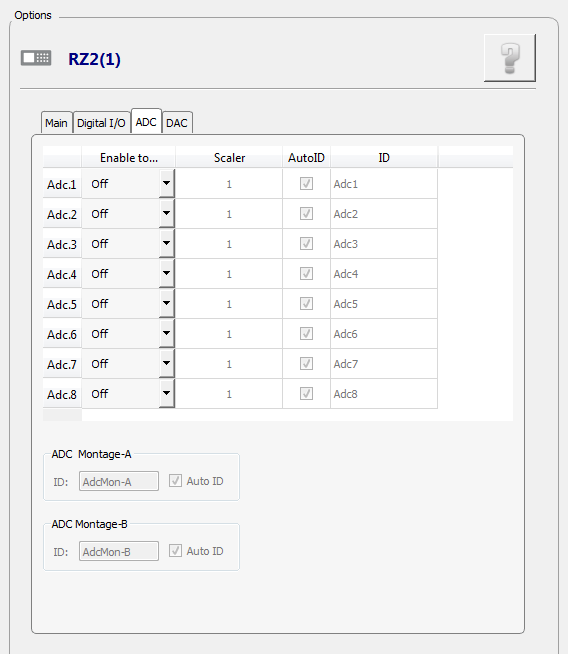
ADC and DAC
ADC and DAC delays are specific to the type of analog-to-digital and digital-to-analog converters used in the device. See Device Delays for hardware specific delays.
Amplifier Delays
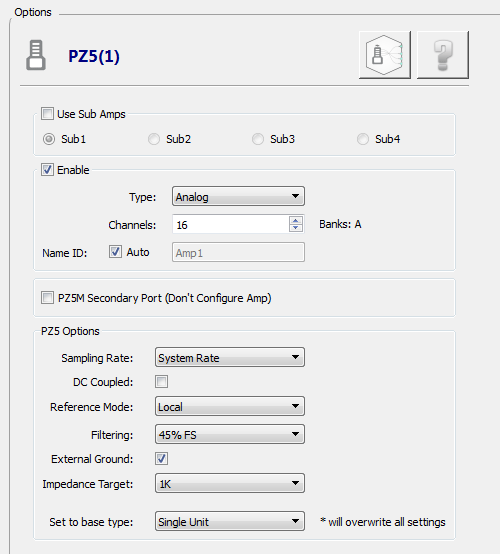
Amplifier delays depend on a variety of factors including: the type of ADC converters, sampling rate, and system architecture. The amplifier's configuration options are displayed when the device is selected in the Processing Tree. The PZ5 HAL (pictured below) can be used to set an amplifier sampling rate or to follow the sampling rate of the RZ processor it is connected to (by selecting System Rate).
Amplifier delay varies
See Amplifier Delays for the delays associated with each amplifier.